
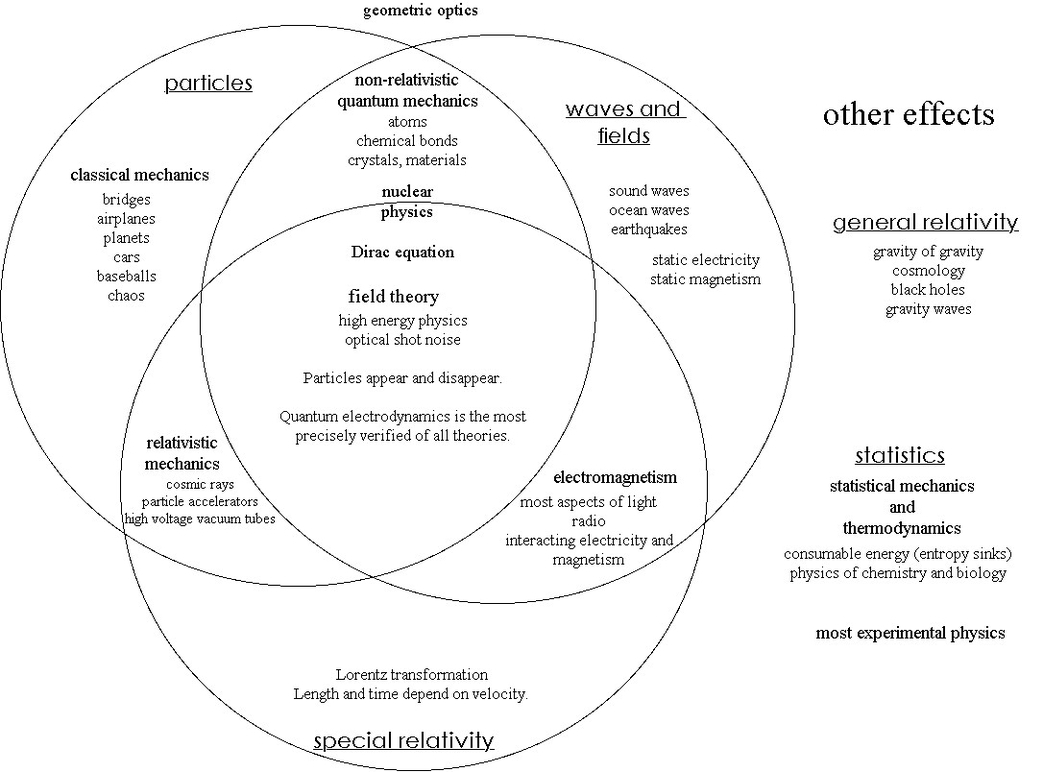
R Venn is a term that refers to the use of R programming language to create Venn diagrams. Venn diagrams are graphical representations of the logical relations between different sets of data. They consist of overlapping circles, where each circle represents a set and the overlapping regions represent the intersections of the sets.
There are several R packages that can help you create Venn diagrams with different features and styles. Some of the most popular ones are:
– ggvenn: This package is a ggplot2 extension that allows you to create Venn diagrams using the grammar of graphics. You can customize the fill color, stroke size, and set name size of each circle. You can also use the ggplot2 functions to add titles, labels, and legends to your plot.
– ggVennDiagram: This package is another ggplot2 extension that maps the fill color of each region to the quantity of the data. This way, you can visually observe the differences between different parts of the Venn diagram. You can also adjust the label size, position, and alpha of each region.
– VennDiagram: This package provides functions to create Venn diagrams with up to five sets. You can specify the area size, cross area size, and category names of each set. You can also change the fill color, line width, line type, and font face of each circle. You can save your Venn diagram as a file or display it directly in R.
– gplots: This package provides a function called venn() that takes a list of sets as input and returns a table of the intersection data. You can use this table to create a Venn diagram with the plot() function. You can also access the intersection data for further analysis.
To use any of these packages, you need to install and load them first. Then, you need to prepare your data as a list of sets, where each set is a vector of values. For example, you can create a list of four sets of genes as follows:
“`r
set.seed(20210110)
genes <-